


Why EC Axial Fans Are Becoming the Go-To Choice for Data Center Cooling

Data center operators are increasingly choosing EC axial fans as their go-to cooling solution. These fans offer three key benefits: major energy savings, exact variable speed control, and better reliability. Energy costs drop by up to 50% compared to traditional AC fans. This improvement directly lowers PUE. Speed control through 0–10V, PWM, or MODBUS lets operators match airflow to real-time demand. The Axial Fan design also reduces wear and extends service life. What makes these fans better than conventional AC technology? How can operators use them effectively? The shift is happening now because the gap between efficient and wasteful cooling keeps growing.
Key Takeaways
EC axial fans use up to 50% less energy than AC fans, which cuts costs and improves PUE.
These fans can control speed very exactly using 0–10V, PWM, or MODBUS signals, so airflow matches current cooling needs.
Brushless motors cut wear and upkeep, extending fan life and reliability.
EC fans fit easily into fan walls, CRAC/CRAH units, and retrofits, with payback periods as short as 0.6–1.5 years.
Operators save money long-term and cut carbon footprint, supporting sustainability goals.
EC Axial Fans vs. AC Fans
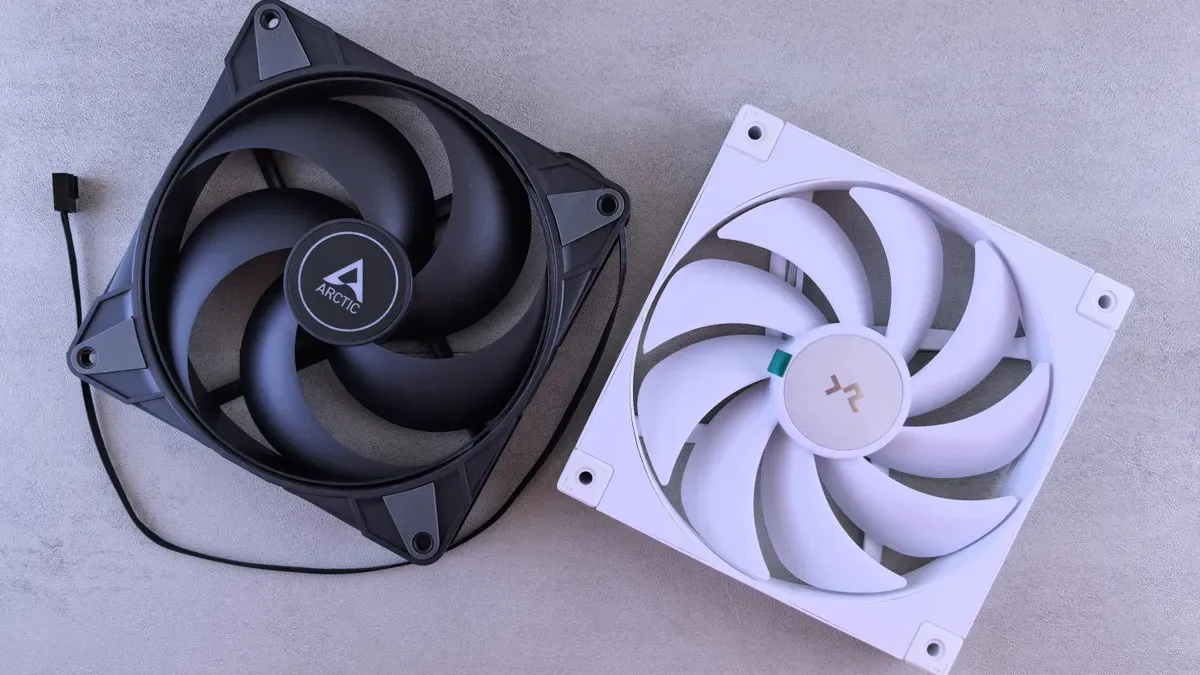
Old AC fans run at one speed. They pull almost full power even when server load goes down. EC Axial Fan technology works differently. The fan changes AC power to DC inside itself using a built-in rectifier. Then a built-in electronic controller adjusts motor speed to match the airflow needed right now. This design cuts wasted energy and lowers mechanical stress.
Performance Dimension | EC Axial Fans | |
|---|---|---|
Energy Efficiency | Cut power use by 30–50% compared to AC fans; big cost savings | Not very efficient; run at set speeds and waste energy even when workloads are low |
Variable Speed Control | Change speed on their own based on temperature or system needs; airflow matches cooling demand | Run at one speed; can't adjust airflow to match real cooling needs |
Reliability & Longevity | Brushless motor with fewer moving parts; lasts longer and needs less upkeep | More mechanical wear; shorter life and more maintenance needed |
Energy Efficiency and PUE Gains
EC axial fan motors hit 80–90% efficiency. AC motors only reach 60–75%. That gap leads to big savings. A 120 mm Axial Fan that uses 18 W can be swapped for an EC version that uses 4.5 W. The yearly running cost drops from $24.60 to $4.73 at $0.156/kWh. Across a whole system, EC fans use about 50% less electricity and move about 40% more air. Many data centers say they save 30–50% on energy. Less cooling power use directly boosts PUE. PUE gets better because less facility energy goes to cooling overhead. Running all the time makes the benefit even bigger. EC fans use power in step with airflow demand. At half speed, they use about half the energy. AC fans don't throttle well and use near full power even when airflow isn't needed.
Case Study: European Server Farm Retrofit A European data center swapped old AC fans for 48V DC EC fans. The site cut cooling energy use by 35%. The 48V input kept current draw low on the DC bus. High static pressure handled the crowded server racks.
Variable Speed Control and BMS Integration
EC fans give exact speed control through 0–10V and PWM signals. A 0–10V signal sends a low-voltage analog speed command to the fan's built-in controller. PWM changes speed by adjusting the duty cycle of the power supply. Both methods get rid of the need for outside VFDs. The controller reads the signal and changes motor speed on its own. Airflow follows the real server cooling need instead of a set schedule.
Modbus RTU brings this control to central BMS platforms. RS485 works as the physical layer. A BMS can read fan speed, operating status, and fault alarms. Operators can change fan settings from a distance. In backup cooling groups, a single fan failure shows up right away. This lets staff respond faster when cooling capacity is lost.
Belmont puts the motor and controller together in its EC fans. This combined platform supports soft starting, motor protection, status feedback, and constant-airflow control. The motor's brushless build removes the wear that brushed motors have. Airflow based on demand cuts noise and mechanical vibration. For data center operators, this mix lowers maintenance and makes service life longer. Belmont's Axial Fan range can hook up straight to modern control networks. The result is a smart airflow system that keeps adapting to facility conditions.
Data Center Applications
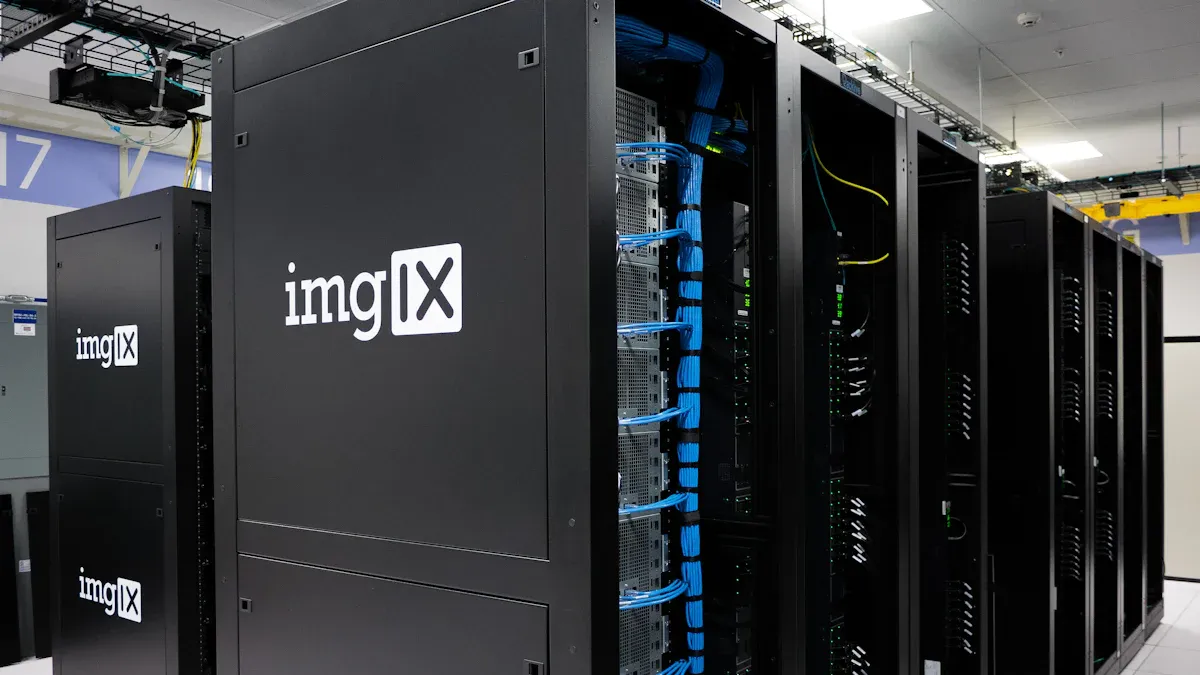
Fan Walls and CRAC/CRAH Units
Fan walls are rows of axial fans that push large air volumes across server racks. Each fan has an EC motor that adjusts its speed on its own. This setup has no single point of failure. If one fan stops, the rest speed up to keep airflow steady. Redundant fan arrays deliver air where the load sits, even if a fan drops out.
CRAC and CRAH units get the same benefits. A CRAH unit has a chilled water coil, EC fans or blowers, and control valves. These units link to building automation and BMS systems to manage airflow and temperature precisely. Advanced CRAH systems use variable speed EC fans to change airflow as needed. This helps meet lower PUE targets and works with economization systems.
Belmont makes axial fans from 200 mm to 910 mm that move up to 32,000 m³/h. This range lets operators pick a fan that matches their cabinet density. A 200 mm unit fits a compact in-row unit. A 910 mm model works for a large fan wall. The BEF(K)8D910-PFE5SL1-RF EC Axial Fan is built for high-volume cooling. It moves 24,000 to 32,000 m³/h at 400V and spins at 985 to 1050 RPM. Its EC motor uses up to 30% less energy than AC fans. The built-in controller takes 0–10V, PWM, or MODBUS signals for stepless speed control.
In-Row Cooling and Retrofits
In-row cooling puts fans close to the heat source. EC motors react to local temperature sensors within seconds. Airflow goes up and down with rack load. This close link stops hot spots and prevents overcooling idle zones. The brushless design also makes service intervals longer. Brushless motors have no carbon brush wear, so maintenance intervals stretch two to three times longer than brushed motors.
Retrofit projects give some of the best returns. Operators swap fixed-speed AC fans for EC models without redesigning the enclosure. A UK cooling tower maker worked with Belmont on this exact upgrade. The customer wanted lower noise, better efficiency, and smart controls for a compact outdoor tower. Belmont sent the BEF(K)8D910-PFE5SL1-RF with an optimized impeller, diffuser, guide vane system, safety grille, and square mounting plate. The project cut system energy use by about 20% and lowered noise by 6.3 dB(A). Installation time fell by 25% because the fan came as a pre-assembled unit. MODBUS-RTU communication allowed remote monitoring and fault visibility.
Retrofit economics support this approach. Cooling tower fans often use over 60% of system power. EC retrofits cut energy use by 35% to 55% with automatic stepless speed adjustment. Payback times run 12 to 24 months. Over a 10-year service life, total savings on energy and maintenance reach 40% or more. These numbers make a strong case for replacing old AC fans before they fail.
Selection Considerations
Picking an EC axial fan for a data center means you have to weigh temperature limits, static pressure, control options, reliability, and noise. Belmont's Axial Fan range goes from 200 mm to 910 mm and moves up to 32,000 m³/h.
Ambient Temperature and Static Pressure
The surrounding temperature decides how long a fan will last. If a fan runs all the time in hot places, it needs a rating that fits that real setting. Belmont EC axial fans work well from -25°C to +50°C. Heat makes bearings wear out faster. So operators must plan when to service them based on this.
Static pressure is the next key thing to check. Axial fans do best in low-static-pressure setups, like open areas, hot-aisle containment, or extra CRAC-unit fans. A CRAH unit may need to push past 0.5–1.5 in. H₂O of pressure drop from cooling coils and filters. If static pressure is too low, airflow drops and hot spots form.
Requirement | Guideline |
|---|---|
Ambient temperature | -25°C to +50°C continuous |
Static pressure | Low-pressure; 0.5–1.5 in. H₂O for CRAH coils/filters |
Airflow capacity | Up to 32,000 m³/h for 910 mm models |
Control Methods, Reliability, and Noise
How you hook up controls decides how the fan reacts when loads change. EC axial fans work with 0–10 V, PWM, and MODBUS RTU over RS485. These protocols link to BMS or DCIM platforms. Operators can change speed right away, get failure alarms, and watch operating status. Stepless speed control matches airflow to what servers need.
Reliability features include IP54/IP55 protection, dynamic balancing, and brushless EC motors. IP54 works for indoor CRAC/CRAH settings. IP55 handles outdoor units that face dust, humidity, and temperature swings. Dynamic balancing cuts vibration and makes bearings last longer. Noise matters too. Belmont's range has low-noise models with ratings as low as 48 dBA. Serrated trailing edges lower tonal noise without reducing airflow.
Customization helps with retrofit and OEM projects. Belmont gives choices for voltage, mounting structure, impeller material, and control features. These options let operators fit fans into existing enclosures and electrical systems. Belmont holds ISO 9001, CE, and UL certifications. The company has 24 years of manufacturing experience.
Cost and ROI
Lower Operating Costs and Payback
EC axial fans cut cooling power use by 20–30% in most data center setups. That drop comes from two things. First, the motor uses less power at any speed. Second, the fan matches airflow to real-time demand instead of running full blast. Operators see lower power bills each month. They also spend less on upkeep because brushless motors have no brushes to swap out.
Payback time changes with power rates and load patterns. A normal EC fan project pays for itself in 18–36 months. Some projects go faster. A full investment can pay back in under one year from energy savings alone. A retrofit at a 100-fan data center hit payback in 0.6–1.5 years. Long-term operation and upkeep savings topped 50% in that same review. These numbers give data center operators a clear money case for upgrading.
Metric | Reported Value | Qualifying Condition |
|---|---|---|
Typical payback period | 18–36 months | Depends on baseline utility rates and continuous load |
Full investment payback | Within one year | Achieved through energy savings |
Renovation payback period | 0.6–1.5 years | Based on a 100-fan data center |
Long-term O&M cost reduction | Over 50% | Included in the ROI assessment |
Sustainability and Carbon Footprint
Using less power means a smaller carbon footprint. Data centers that run EC fans cut their Scope 2 emissions from bought power. The 20–30% cooling power drop often helps sites meet their own energy goals. Many operators also qualify for utility rebates or green building credits. These programs reward real cuts in energy use.
Belmont backs these green goals through its global reach. The company serves customers in over 80 countries and has more than 200 clients worldwide. Its OEM and ODM services let operators fit an Axial Fan to their voltage, mounting, and control needs. That flexibility helps data centers add efficient cooling without a full redesign. Belmont holds ISO 9001, CE, and UL certifications and brings 24 years of manufacturing experience to each project.
EC axial fans bring clear benefits for keeping data centers cool. They use up to 50% less energy than AC fans. Exact speed control with 0–10V, PWM, or MODBUS makes airflow match what is needed. Brushless motors mean less upkeep and a longer working life. These fans also fit easily into fan walls, CRAC/CRAH units, and upgrade projects. Operators get long-term savings and a smaller carbon footprint. Belmont sells a full Axial Fan range from 200 mm to 910 mm. The company gives help with choosing and OEM support. Data center teams should talk to Belmont to plan upgrades or set up new EC fan systems today.
FAQ
How much energy can EC axial fans save compared to AC fans?
EC fans cut power use by 30–50% compared to AC models. A 120 mm Axial Fan that draws 18 W can drop to 4.5 W with an EC version. Data centers often report 30–50% energy savings on cooling.
What control signals do EC axial fans accept?
EC fans work with 0–10V, PWM, and MODBUS RTU over RS485. These signals link to BMS or DCIM platforms. Operators can adjust speed, read status, and receive fault alarms remotely. Stepless speed control matches airflow to real server demand.
What ambient temperature range suits data center EC fans?
Belmont EC axial fans operate from -25°C to +50°C continuously. Heat speeds up bearing wear. Operators should plan service intervals based on the real operating temperature. IP54 handles indoor CRAC/CRAH settings. IP55 suits outdoor units.
How long does payback take on an EC fan retrofit?
Most EC fan projects pay for themselves in 18–36 months. Some reach full payback within one year from energy savings alone. A 100-fan data center retrofit hit payback in 0.6–1.5 years. Long-term savings on energy and maintenance topped 50%.
What sizes and airflow capacities does Belmont offer?
Belmont axial fans range from 200 mm to 910 mm and move up to 32,000 m³/h. The BEF(K)8D910-PFE5SL1-RF model delivers 24,000 to 32,000 m³/h at 400V. This range fits compact in-row units and large fan walls alike.


